Dopamine Menu Template: Free Printable & Digital
Free dopamine menu template: printable PDF and digital tool. Compare formats and find the one that actually works for your ADHD brain.
If you've decided to build a dopamine menu, the next question is: what format? A paper template on your fridge? A digital tool on your phone? A worksheet from Pinterest? A notes app? The options are endless, which is exactly the kind of decision that makes ADHD brains stall before starting.
Here's a practical comparison to help you pick, with a free option for each approach.
What a dopamine menu template needs
Before comparing formats, it helps to know what actually matters in a template. A good dopamine menu template does three things:
Organises by effort level. The whole point of a dopamine menu is having options sorted so you can find something that matches your current energy. Any template that's just a single list without categories is missing the key feature.
Keeps it scannable. When you're in a dopamine crash, you won't read paragraphs. You need to glance at a short list and pick something in seconds.
Lives where you'll see it. A beautifully designed template saved in a folder you'll never open is worth less than an ugly note pinned to your home screen.
Printable templates: pros and cons
A printable dopamine menu (a PDF you print and stick on your fridge, wall, or desk) works well for people who respond to physical, visible reminders.
Pros: always visible without opening an app, satisfying to fill in by hand, no screen time required, easy to share with a partner or housemate.
Cons: can't be easily updated, gets stale if your interests change, you can't carry it with you, and doesn't help when you're lying on the sofa unable to move (which is precisely when you need it most).
Printable templates work best as a secondary copy. Fill one in, stick it somewhere visible, but keep a digital version too.
Digital tools: pros and cons
A digital dopamine menu (whether in a notes app, spreadsheet, or dedicated tool) solves the accessibility problem. It's on your phone, which is almost certainly within reach when you're stuck.
Pros: always with you, easy to update, some tools can suggest a random activity when you can't choose, shareable and exportable.
Cons: requires unlocking your phone (where distractions live), can feel less tangible than paper, easy to lose in a sea of apps and notes.
The biggest advantage of a structured digital tool over a plain notes app is guided prompts. When you're building your menu for the first time, a tool that asks you specific questions ("What can you do in under two minutes without getting off the sofa?") tends to produce better results than staring at a blank screen.
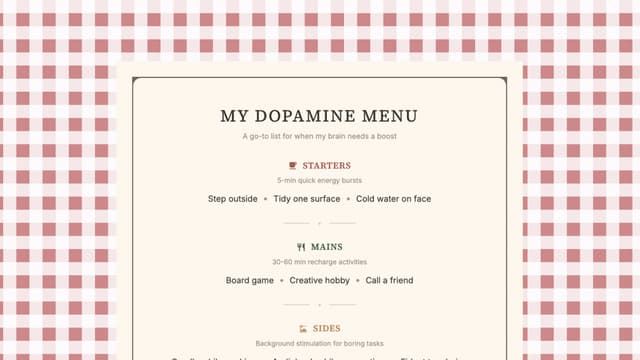
Try the Dopamine Menu
Build your dopamine menu with guided prompts and get a random suggestion when you're stuck. Free, no account needed.
Start this toolNotion, spreadsheets, and DIY setups
If you prefer building your own system, a simple Notion page or Google Sheet works fine. The key is keeping the structure:
- One section per category (Starters, Mains, Sides, Desserts, Specials)
- Short, scannable entries (activity names only, no long descriptions)
- Pinned, bookmarked, or widgeted so you can access it in under three seconds
The risk with DIY setups is that building the system becomes the dopamine hit, and you never actually use it. If you catch yourself spending more time formatting your template than filling it in, that's a sign to use something pre-built instead.
Which format should you pick?
Honestly, the format matters less than two things: whether you'll actually fill it in, and whether you'll find it when you need it.
If you're not sure, start with a digital tool that walks you through the process. You can always print the result later or transfer it to your own system. The goal is to have a populated menu as quickly as possible. The next time your brain goes blank and nothing sounds fun, you'll want it ready.
Tools mentioned in this article
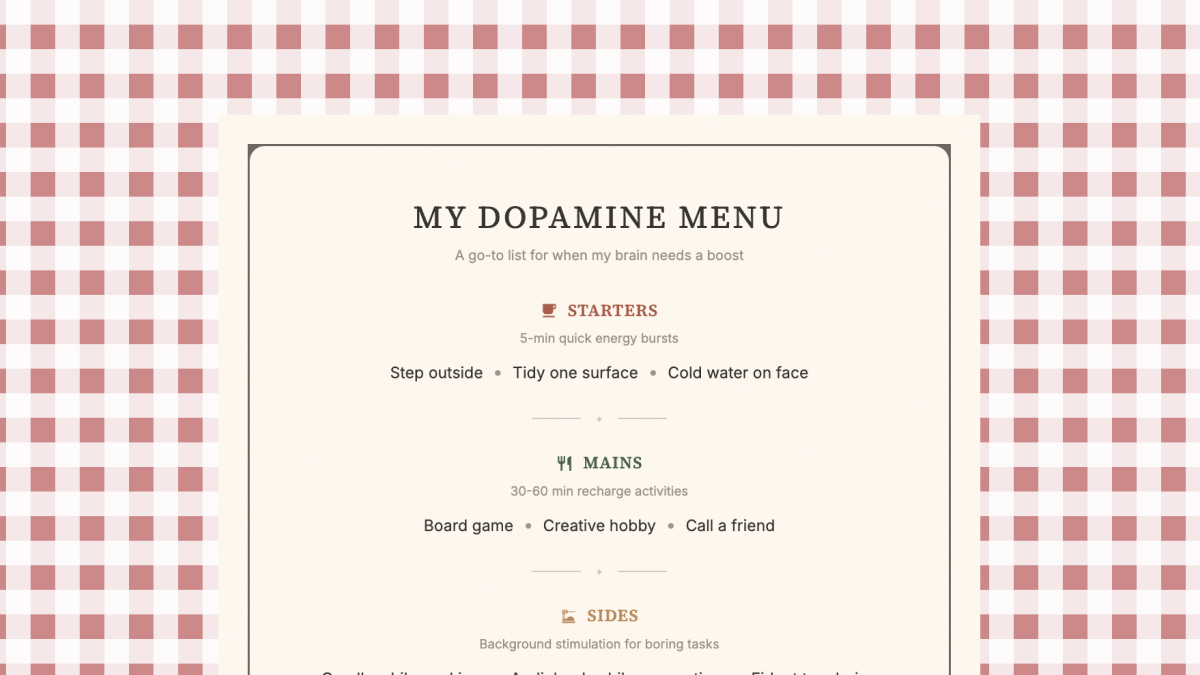
Common questions
You can download the printable PDF linked in this article, or use Puraluma's free digital Dopamine Menu Builder which walks you through the process with guided prompts.
A template gives you structure so you don't have to design the format yourself. Whether you fill in a printable or use a digital tool, the important part is the same: populating it with activities that actually work for you.
There's no single best option. Some people prefer simple note apps. Others like structured tools that prompt you through the process. The best format is whichever one you'll actually open when you're stuck.
Yes. A dopamine menu is a practical tool that works well in coaching and therapy contexts. Some ADHD coaches use it as a standard exercise. Having a pre-filled template to bring to a session can make the conversation more concrete.